首頁
Your starting point for BlueSky Ride.

BlueSky Ride · iOS Beta
Airport transfers, private trips, and thoughtfully planned tours. Meet BlueSky Ride.
For iPhone · Available through Apple TestFlight
Inside the app
A closer look at the real customer experience.
Tap any screen to see it in detail.
Your starting point for BlueSky Ride.
Start with trip and contact details.
Explore airport-transfer estimate options.
Private transportation, your way.
Plan your own trip or explore a signature tour.
Captured from the running BlueSky Ride app. Personal details are masked. Swipe or use the arrows to explore.
A closer look
The Reservation Guide from BlueSky Ride.
See how Pickup and Drop-Off work.
Reservation Guide
Learn how to make a reservation with BlueSky Ride.
Original app tutorial. Fictional trip and fare. This guide won’t create a reservation.
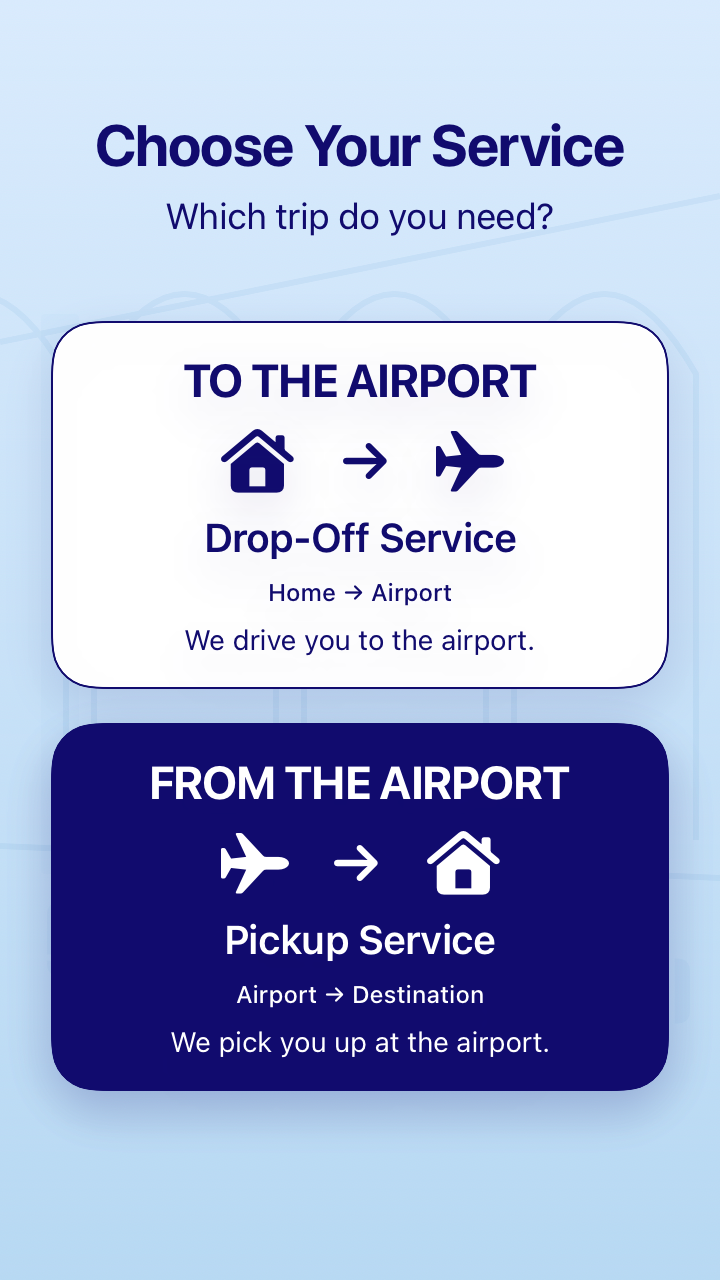
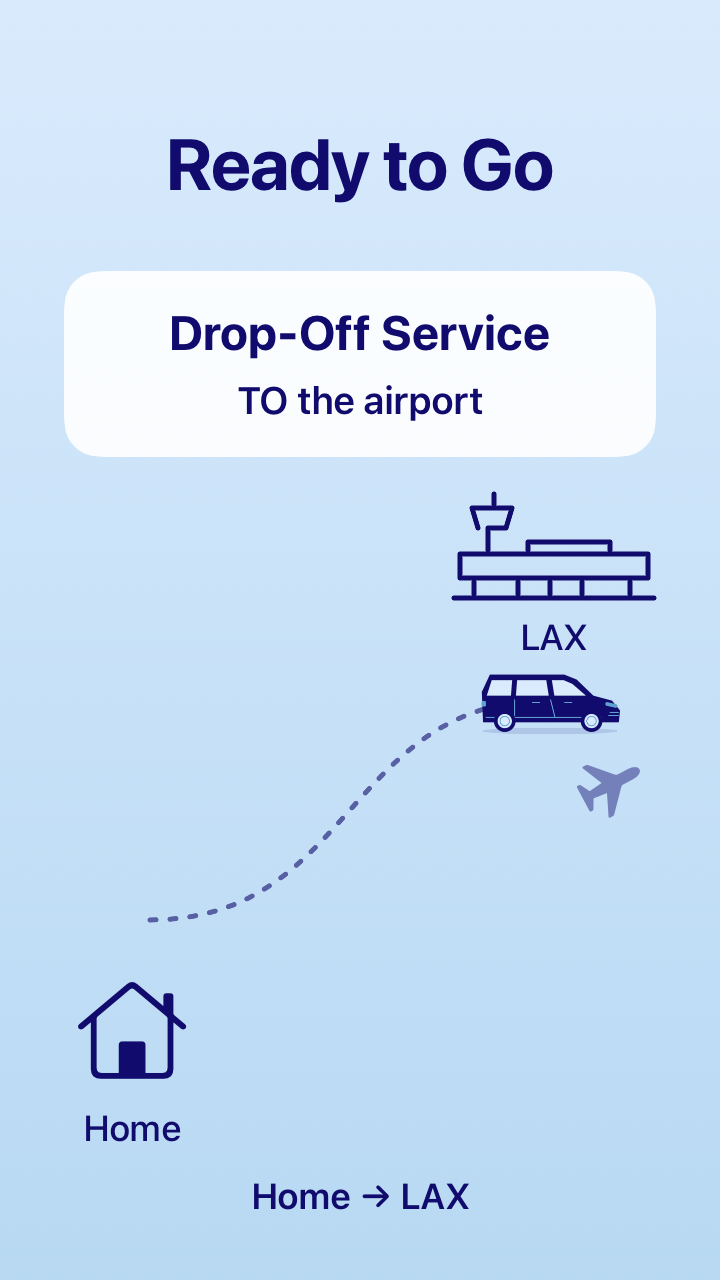
Drop-Off Service · TO THE AIRPORT
Home → Airport. We drive you to the airport.
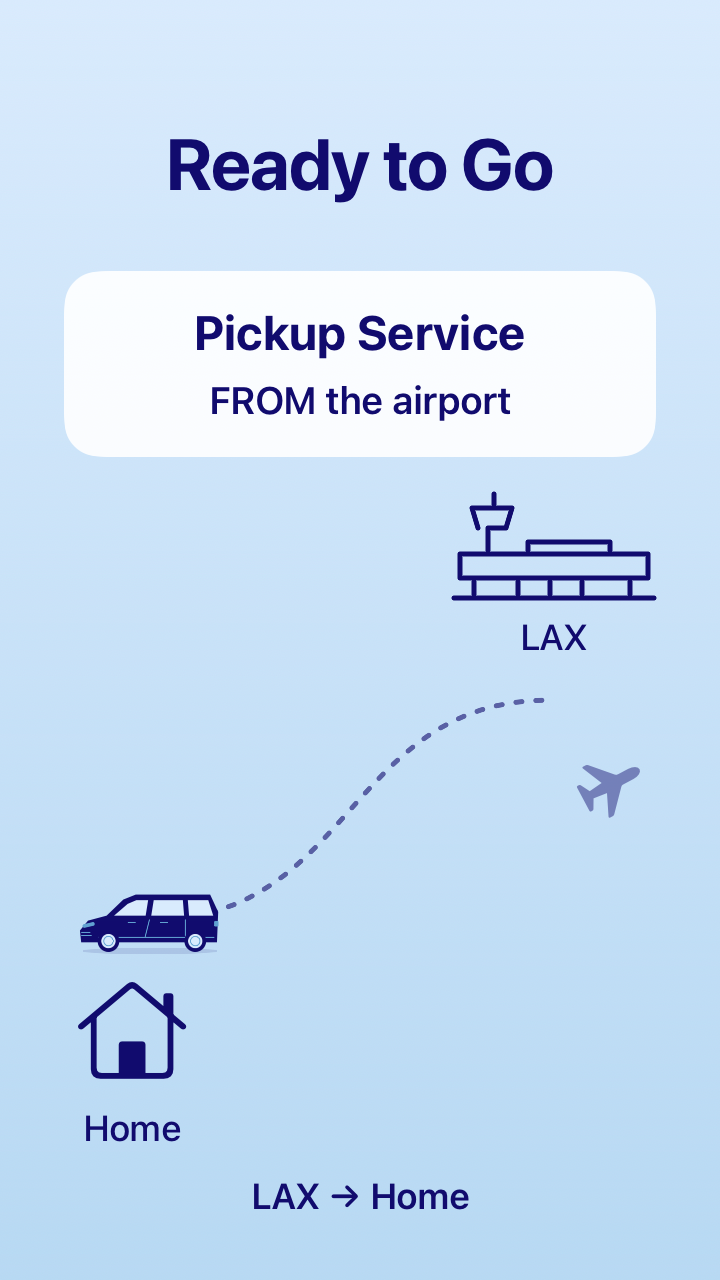
Pickup Service · FROM THE AIRPORT
Airport → Destination. We pick you up at the airport.
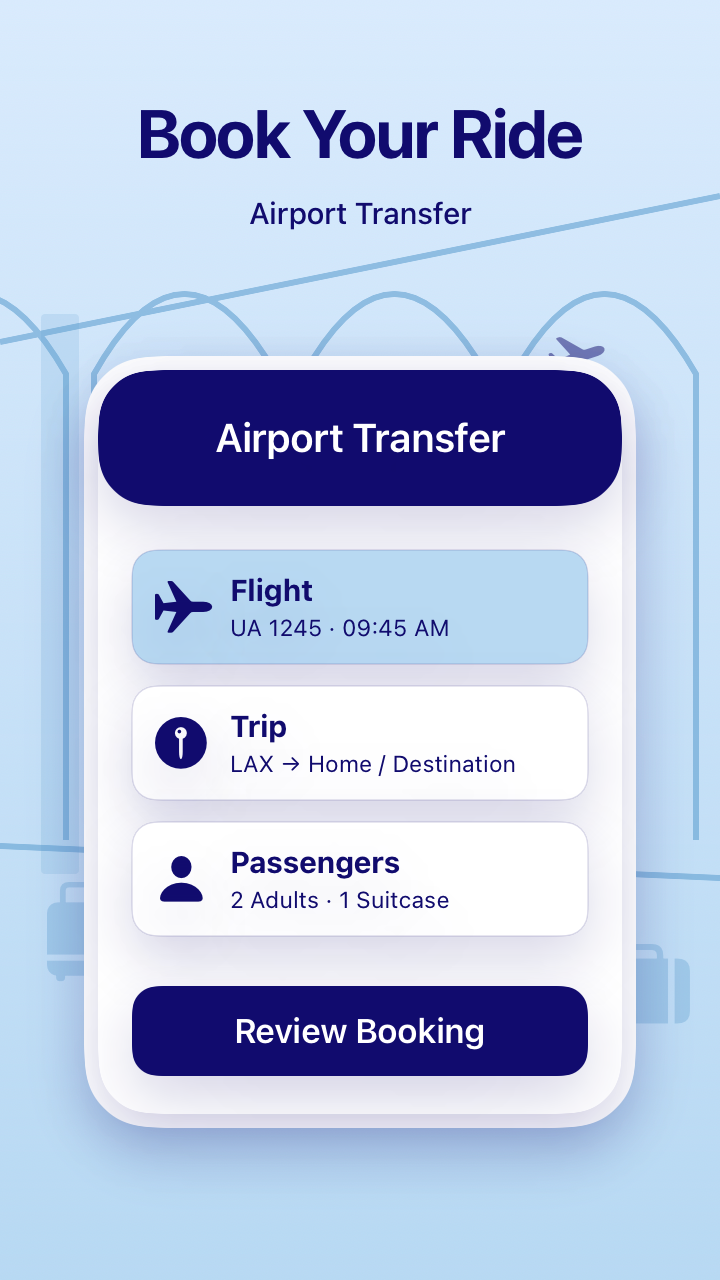
Book Your Ride
Flight: UA 1245 · 09:45 AM.
Trip: LAX → Home / Destination.
Passengers: 2 Adults · 1 Suitcase.
Review Booking.
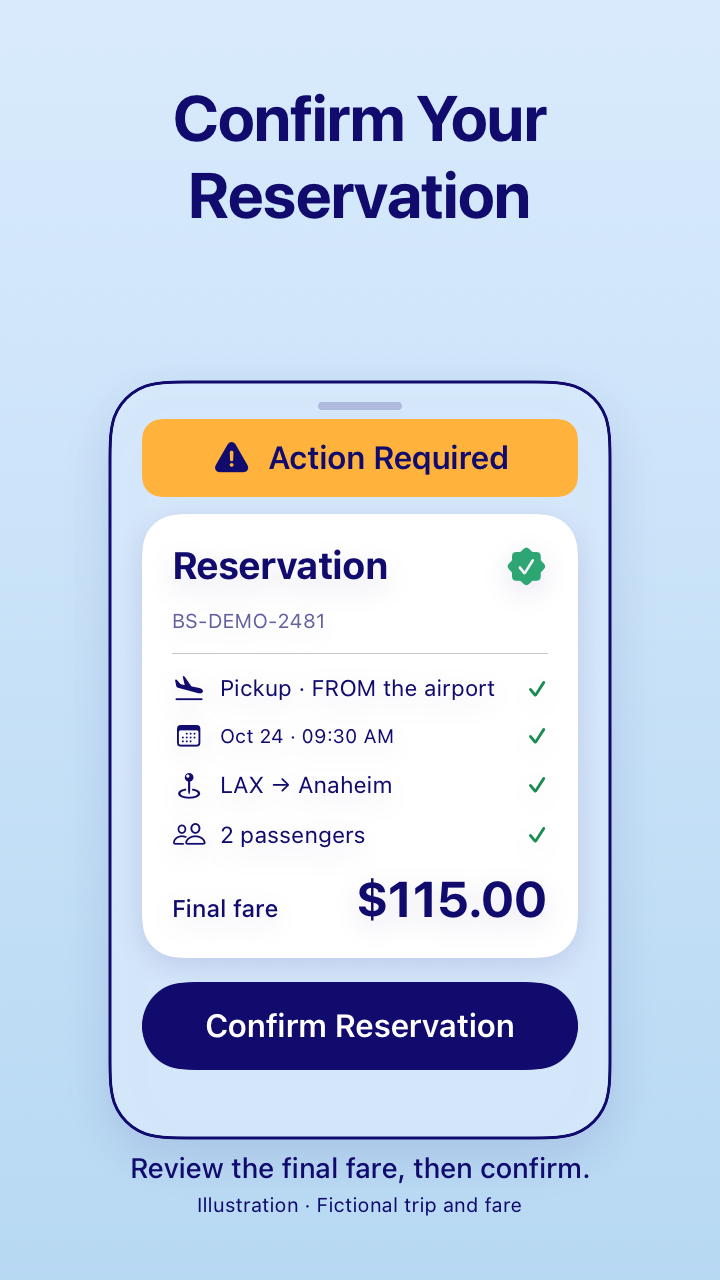
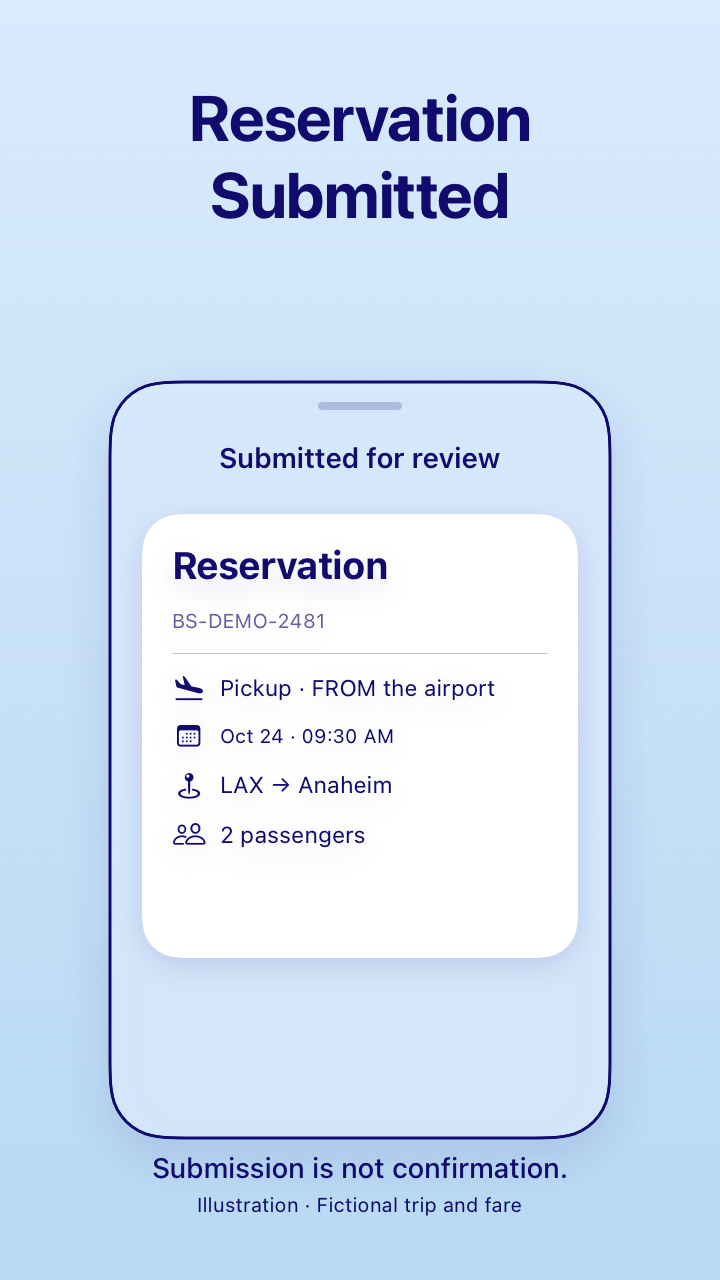
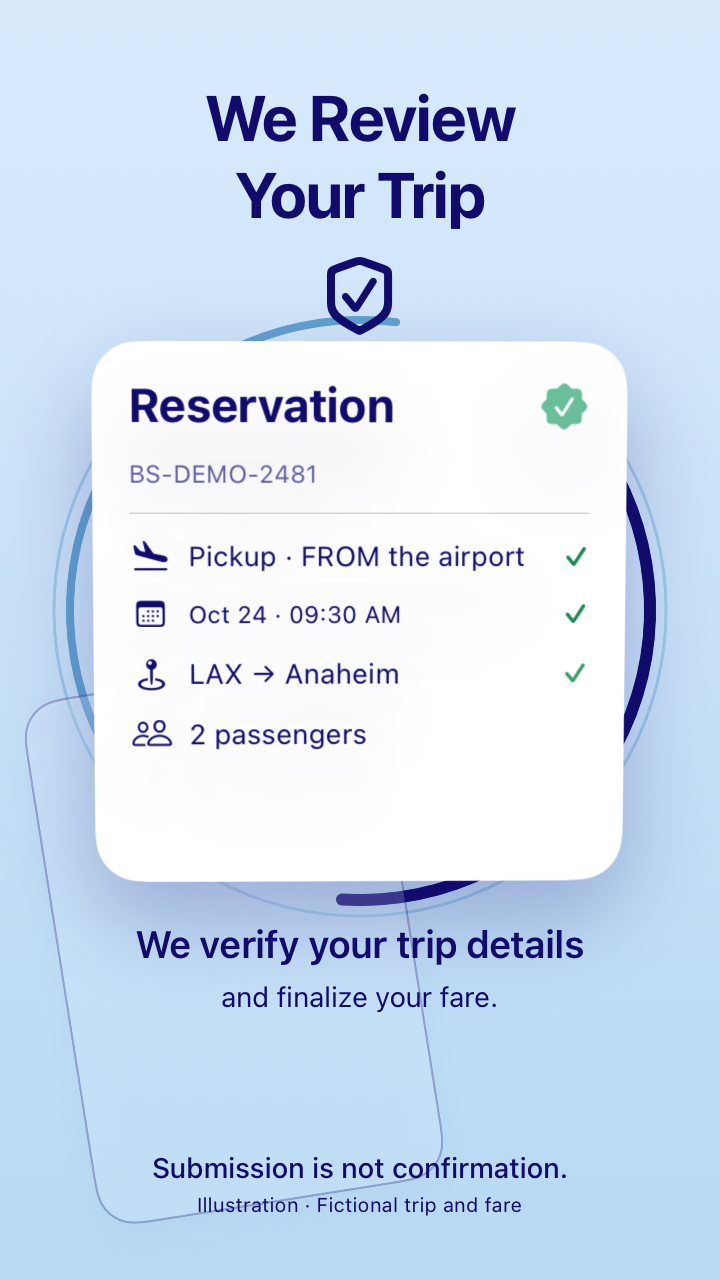
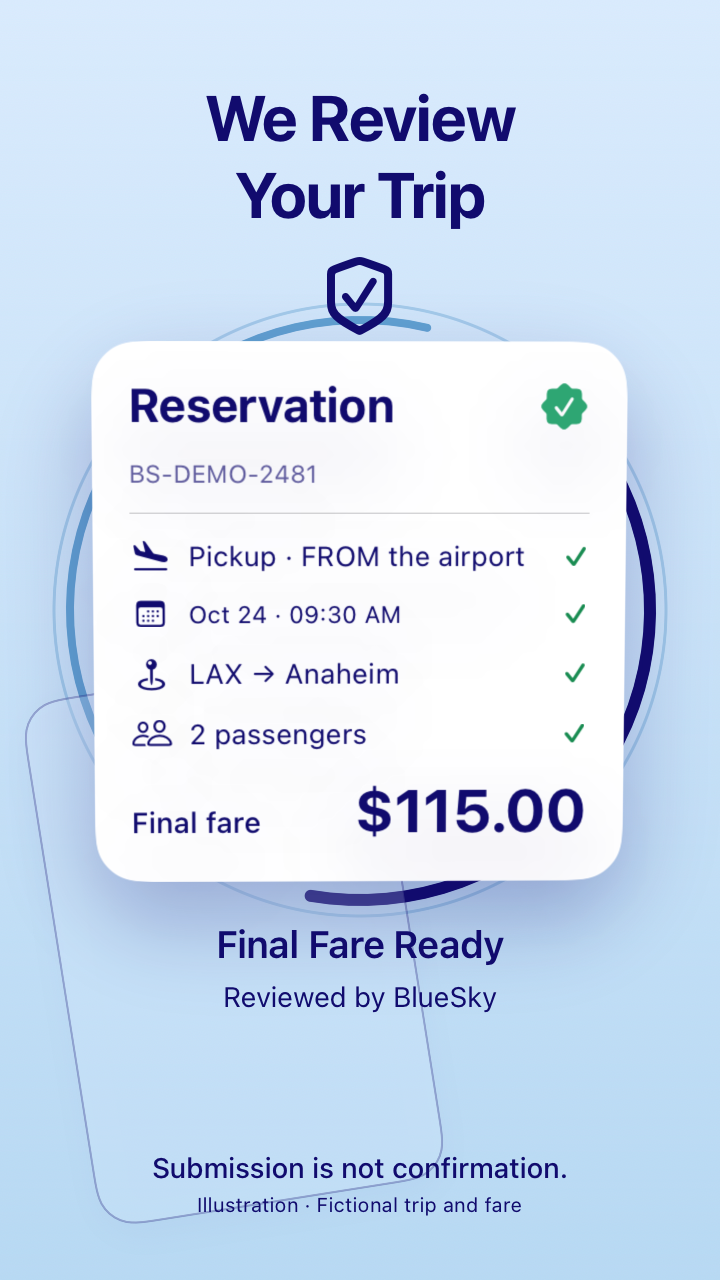
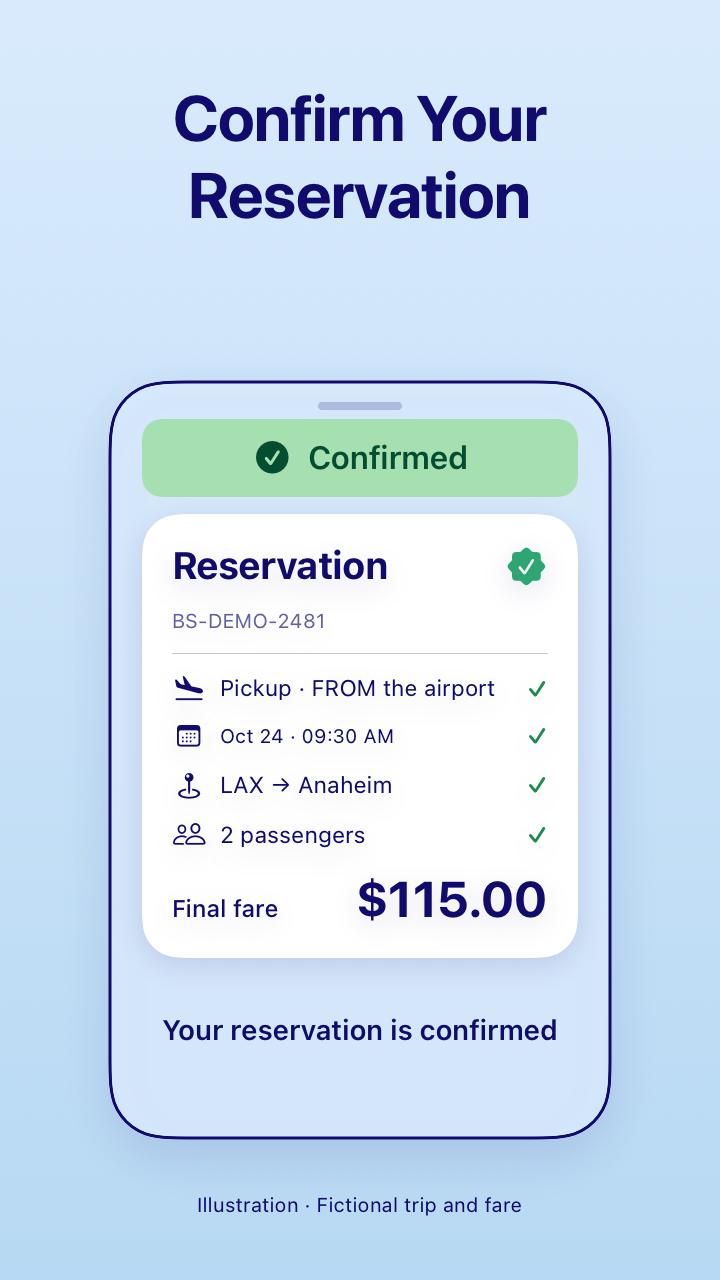
Reservation Submitted → We Review Your Trip → Final Fare Ready / Reviewed by BlueSky → Action Required → Confirm Reservation → Confirmed.
Submission is not confirmation. Review the final fare, then confirm.
Fictional tutorial example: BS-DEMO-2481. Pickup FROM the airport, Oct 24 · 09:30 AM, LAX → Anaheim, 2 passengers. Final fare $115.00.
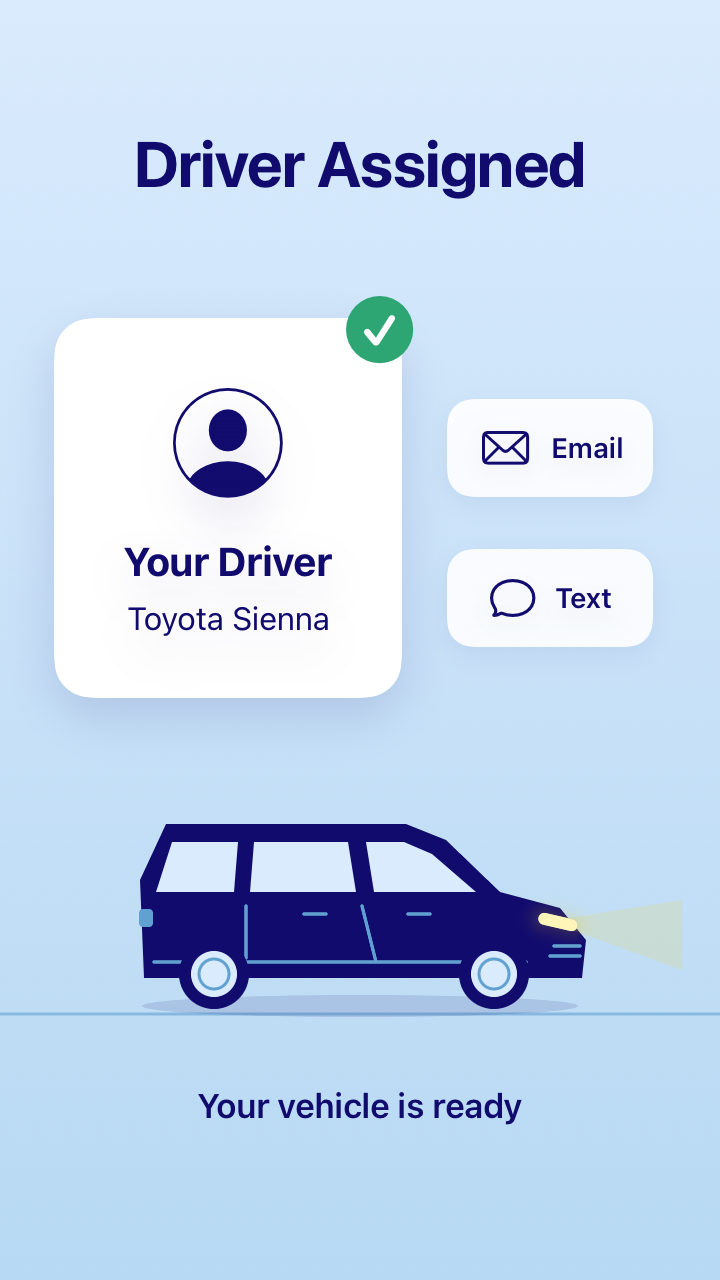
Your Driver · Toyota Sienna. Notifications by Email and Text. Your vehicle is ready.
Ready to Go. Drop-Off Service: TO the airport, Home → LAX. Pickup Service: FROM the airport, LAX → Home.
Airport Transfer Made Simple.
Booking Complete · Transportation Arranged · Ready to Travel.
Let’s Get Started →.
Motion is paused to respect your device preference. Use the arrows and text guide to explore.
Also in BlueSky Ride
Private point-to-point transportation from one location to another.
Travel on your own itinerary with flexible scheduling and professional drivers.
Please use Airport Transfer Booking Portal if you’re looking to book airport shuttle service.
Explore the Airport Transfer guide
Also in BlueSky Ride
Reserve a private vehicle and professional chauffeur by the hour, with the flexibility to travel on your own schedule.
Business Meetings · Client Visits · Shopping & Dining · Multi-Stop Trips
Explore the Airport Transfer guide
Also in BlueSky Ride
Explore thoughtfully designed routes for a smooth and memorable Southern California experience.
San Diego · San Francisco · Las Vegas · Grand Canyon
Explore the Airport Transfer guide
Also in BlueSky Ride
Review trips, view driver information, and access invoices.
Upcoming Reservation · Booking History · Saved Draft
Explore the Airport Transfer guide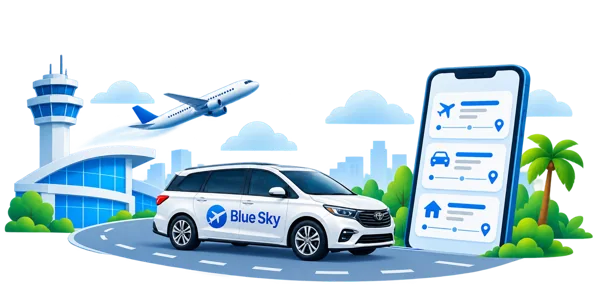
Still frames from the same four tutorial pages. Open an image to see it at full size.
Your first journey starts here
Download Apple’s free TestFlight app on your iPhone. It’s where you’ll install and update the BlueSky Ride beta.
Get TestFlightOpen our BlueSky Ride invitation on your iPhone and accept it in TestFlight.
Open beta invitationTap Install in TestFlight, then open BlueSky Ride. Your next journey starts with a tap.
Need a hand?We’re here for you
Trying the beta? Tell us what works and what could feel better.
Contact Blue SkyOpen TestFlight, select BlueSky Ride, and tap Send Beta Feedback. Add a description or screenshot to help us understand your experience.
No. The web demo presents the app’s Reservation Guide with fictional sample content. It doesn’t sign you in, calculate a live fare, or submit a reservation.
Install TestFlight first, then open the BlueSky Ride invitation on your iPhone. If you still need help, email blueskyapptinfo@gmail.com.